We deploy UniFi systems for a living. When a site needed something the platform did not cover, we wrote it, put it into service, and kept supporting it. Sentry, UPAD, and LSProtect run at customer sites today, including our own. Lightspeed Rewards is the newest, and Notification Matrix is free for noncommercial use on GitHub.
Overnight door watchdog & scheduling for UniFi Access
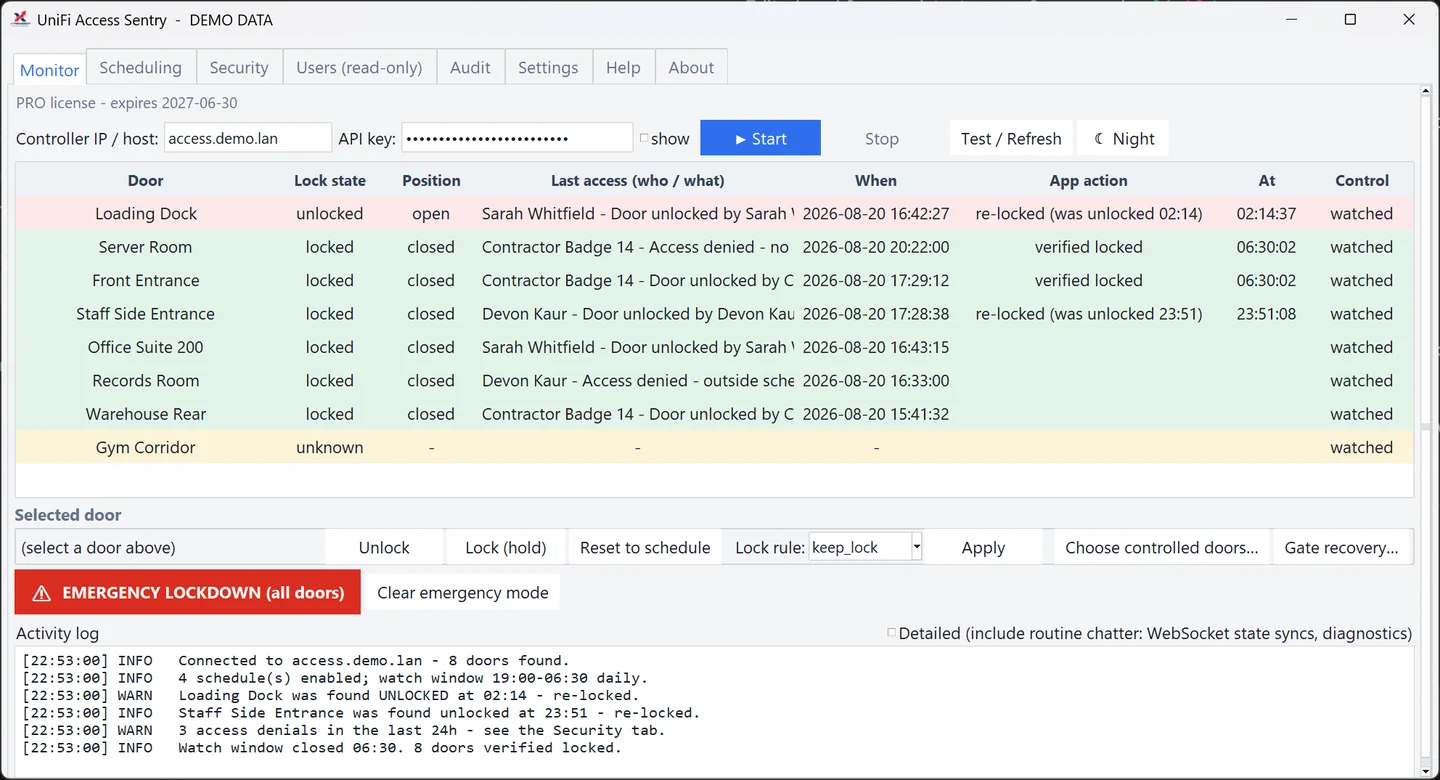
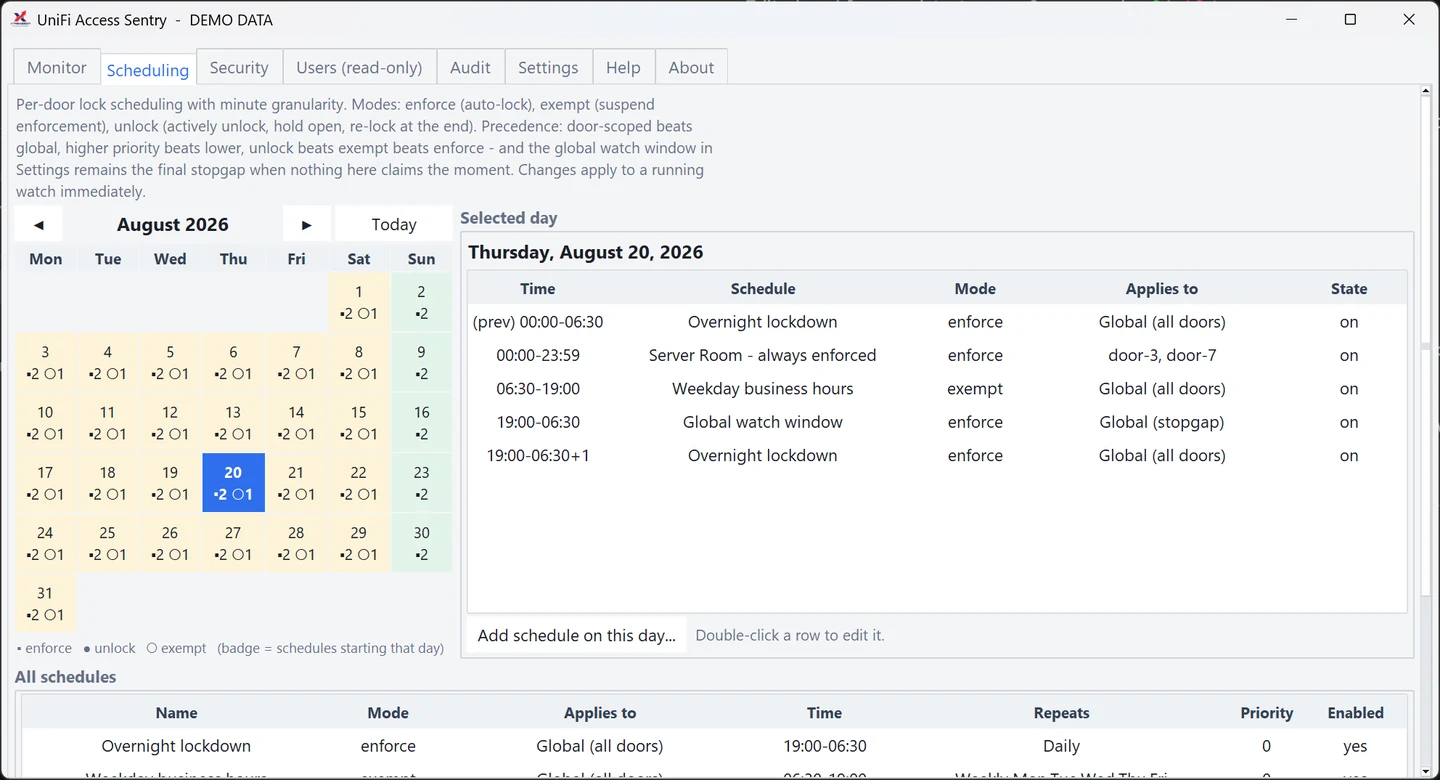
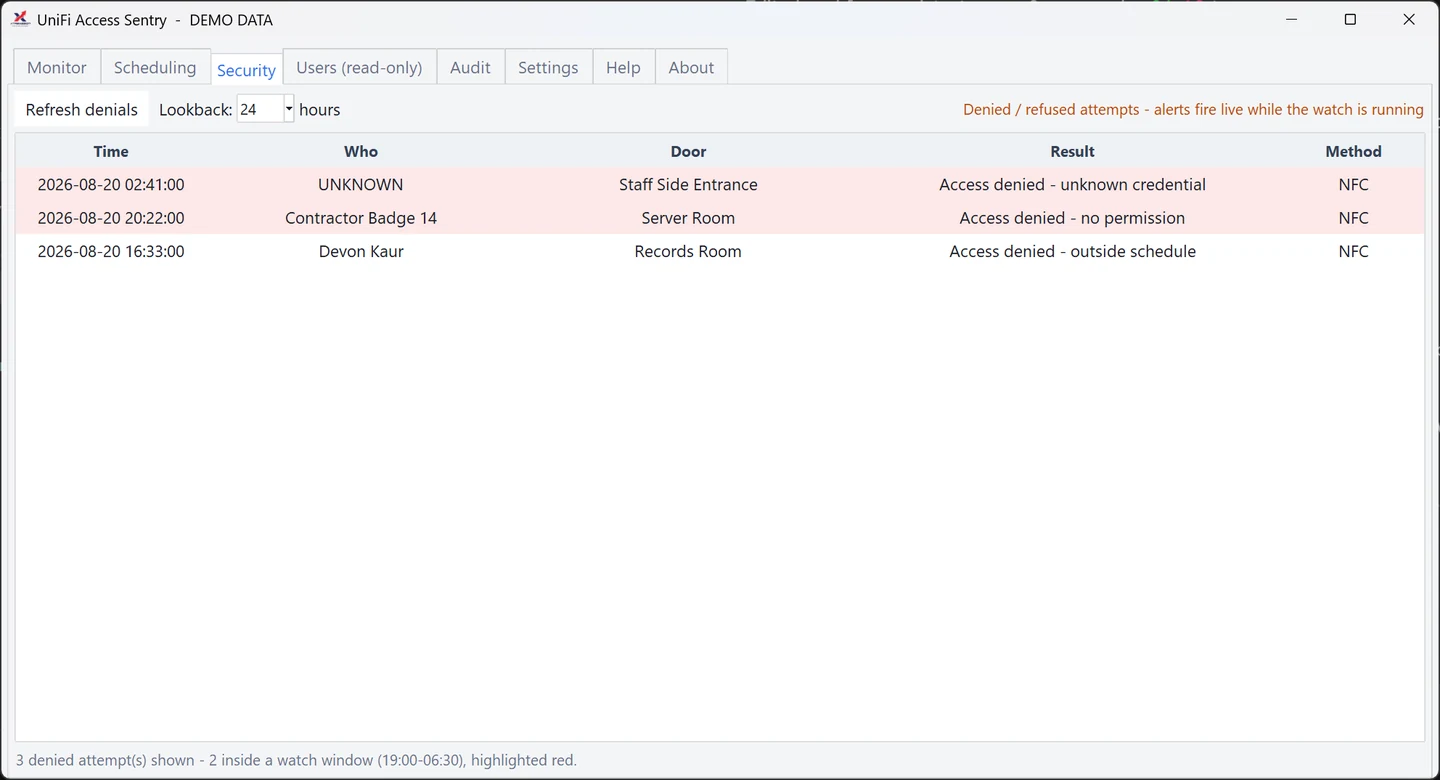
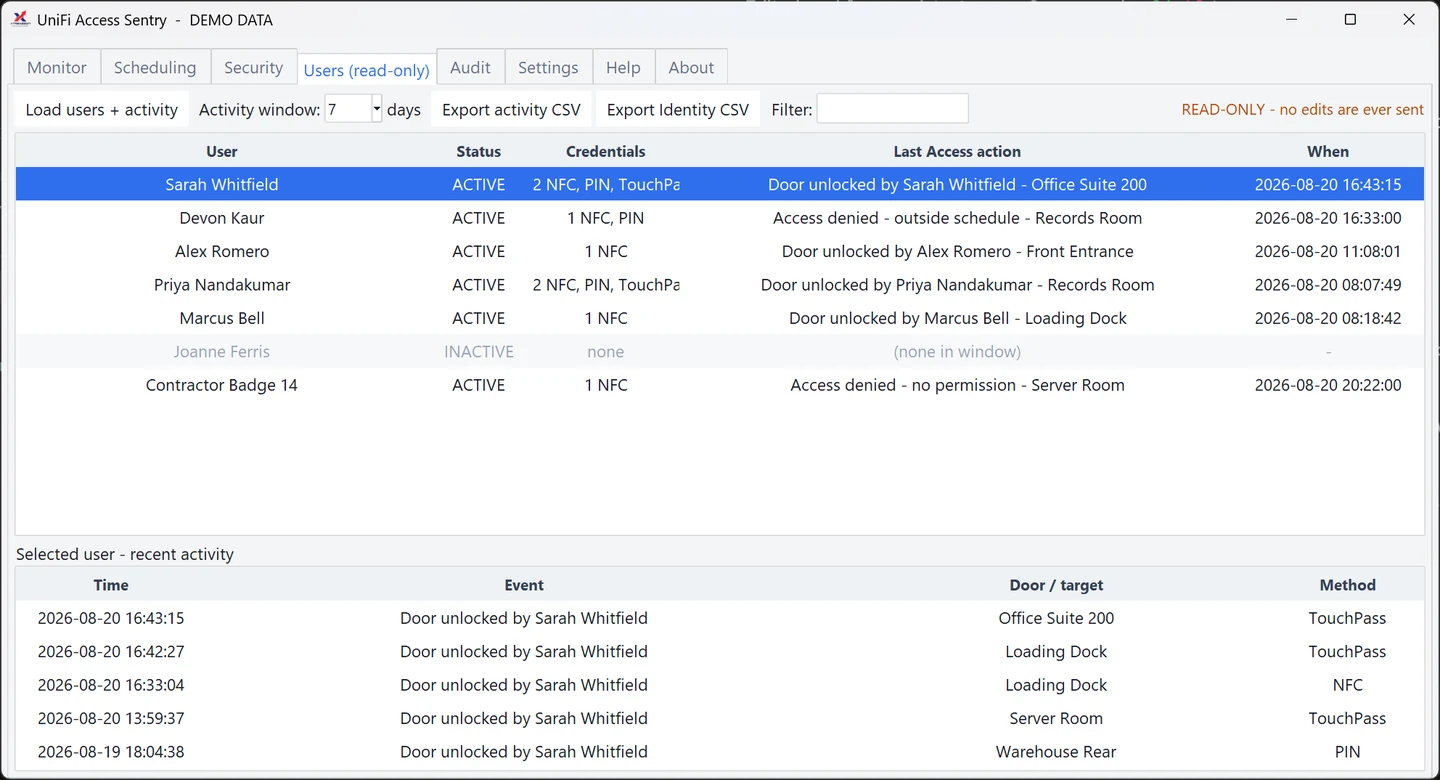
Screens shown running on sample data.
A door left unlocked overnight is how "nothing ever happens here" ends. Sentry is a live dashboard and watchdog for UniFi Access: it watches every door, and during your watch windows it drives any unlocked door back to locked, then logs exactly what it did and tells you about it.
Door monitoring and lock enforcement come with every tier. The part that keeps a building secure should never be the part a licence takes away.
Adds the security view, user and credential management, and audit features. Licensed by door band. Monitoring is never capped, whatever your tier.
Your cameras already see everything. UPAD works out which of it matters. UniFi Protect Advanced Detections watches person events for the moments minutes count: a fall, someone in distress, a visible weapon, fire or smoke near a person. When it sees one, a human gets a snapshot and a plain-English assessment, then decides what to do.
Claude-powered scene assessment across every safety category, with on-device human detection aiming each request at the people in view. Licensed per camera band.
Measures how long areas stay occupied, counting people rather than identifying them. A separate product with its own key. It needs no Advanced Detections licence and can be bought on its own.
AI-assisted safety monitoring for UniFi Protect
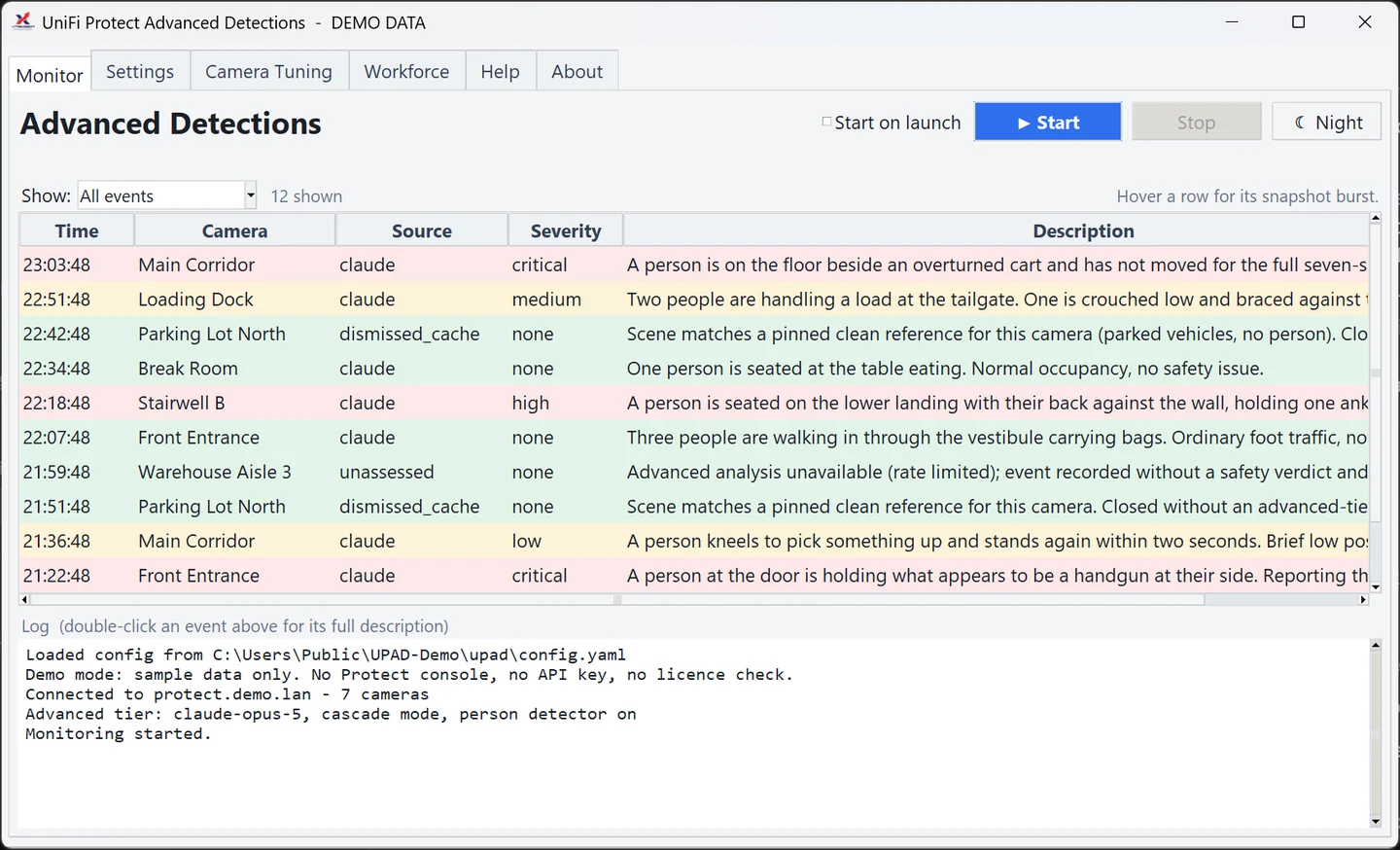
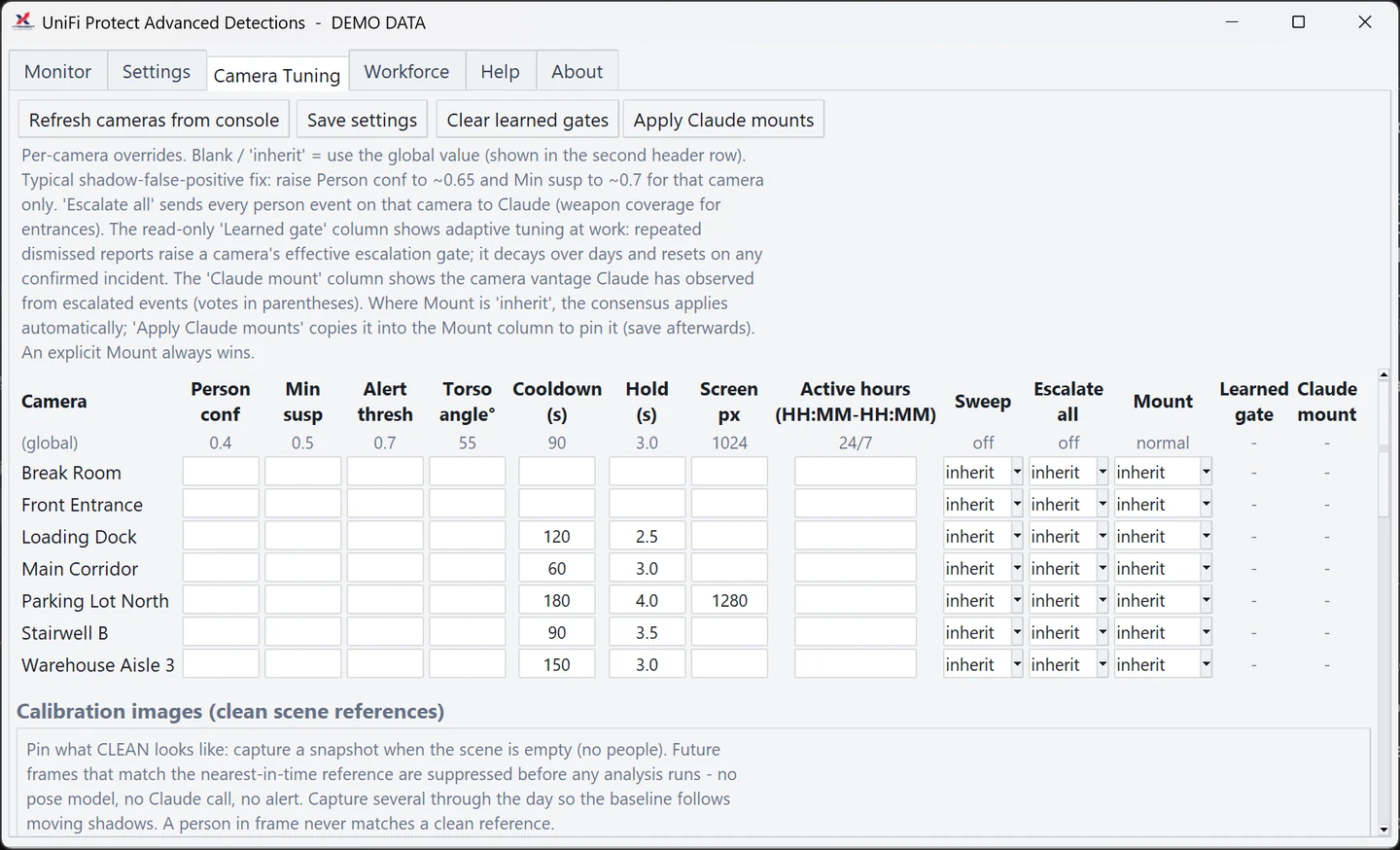
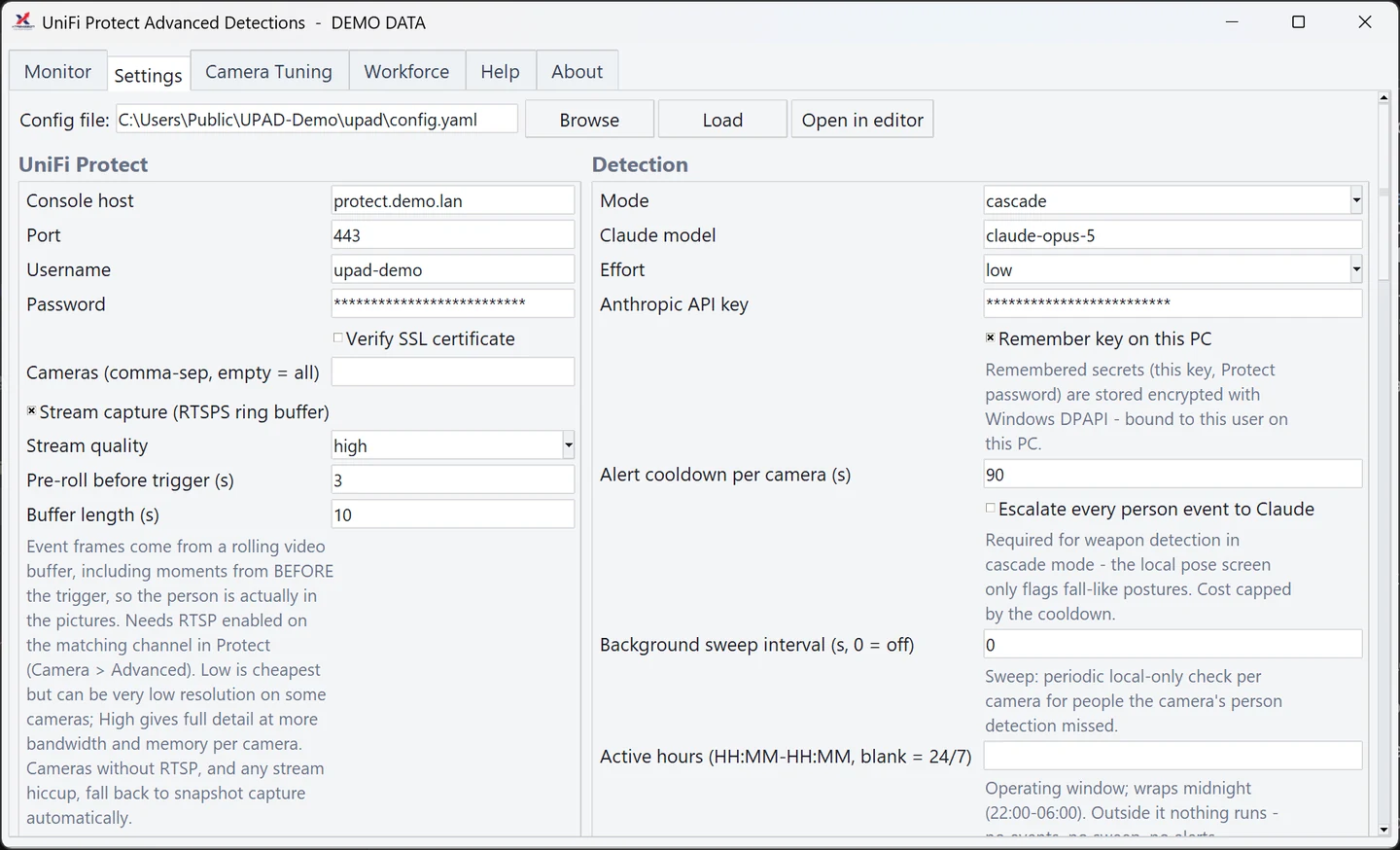
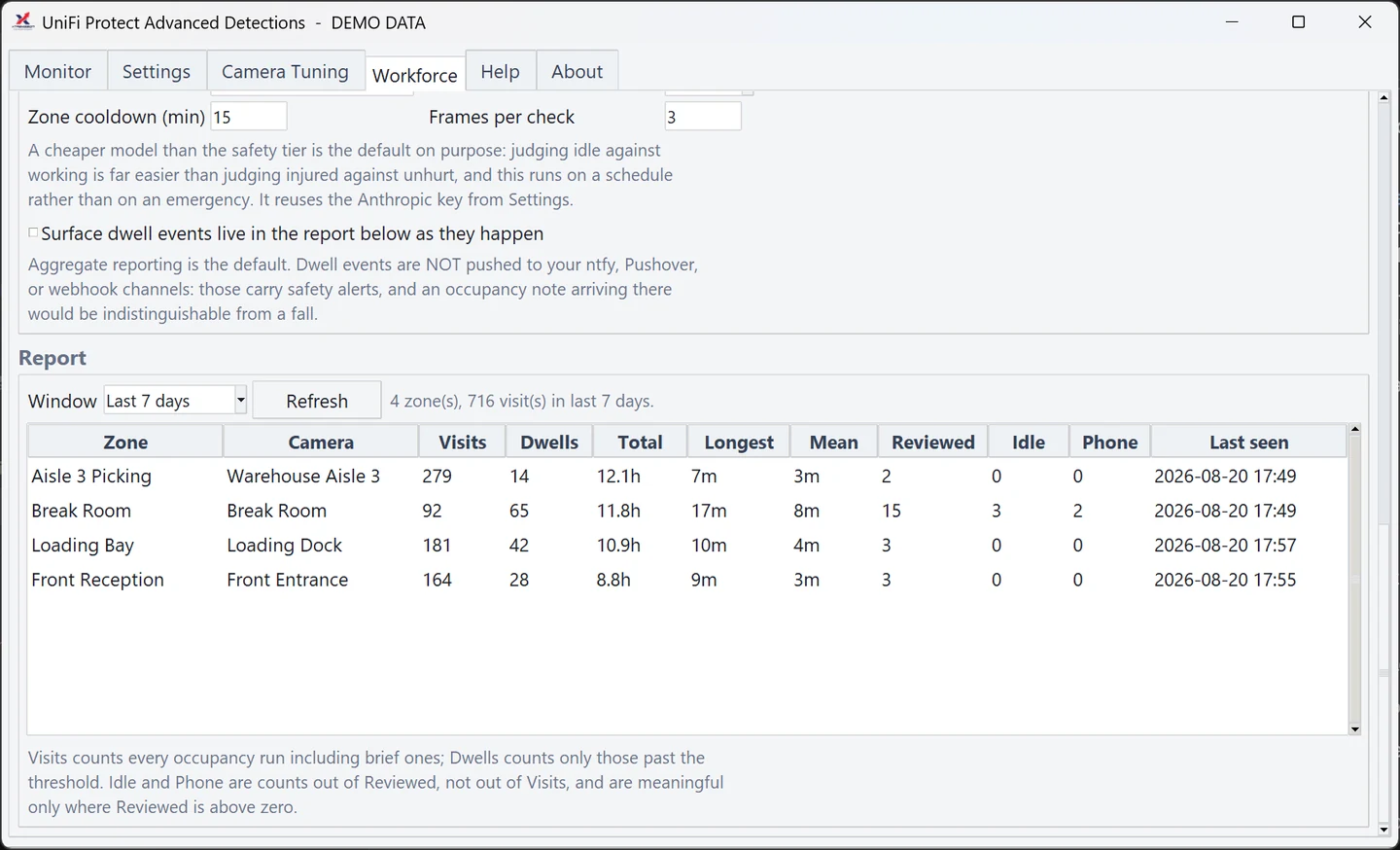
Screens shown running on sample data.
POS-to-camera loss prevention for Lightspeed Retail
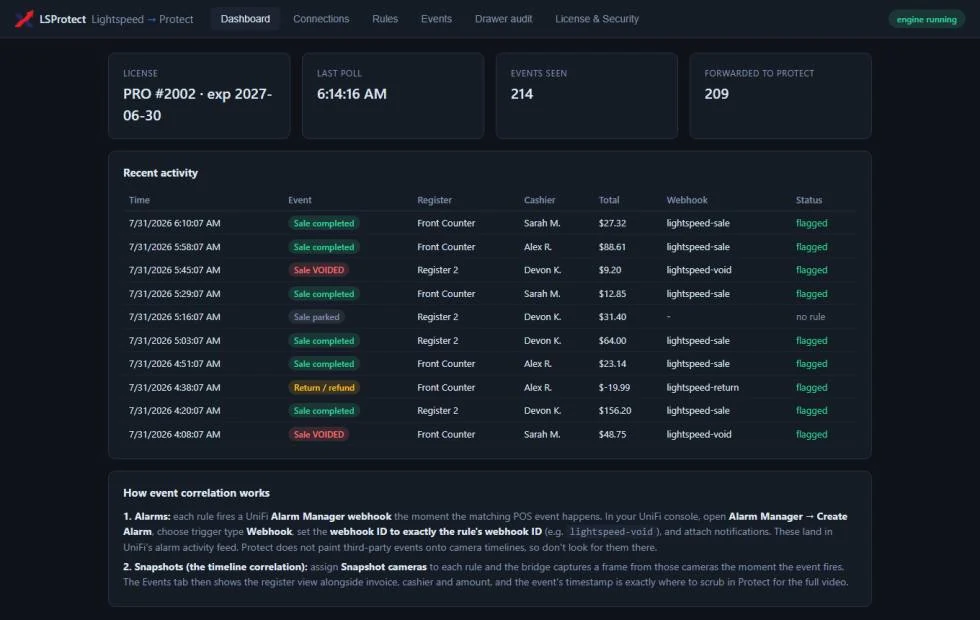
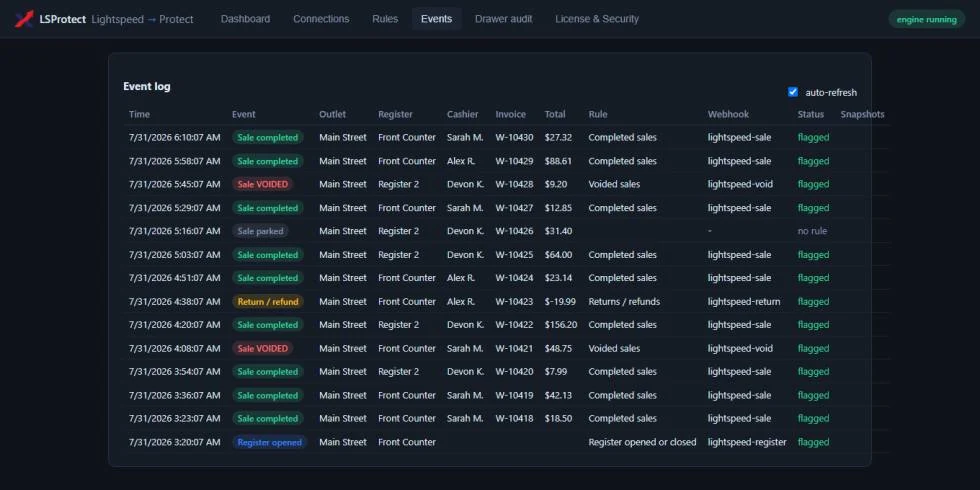
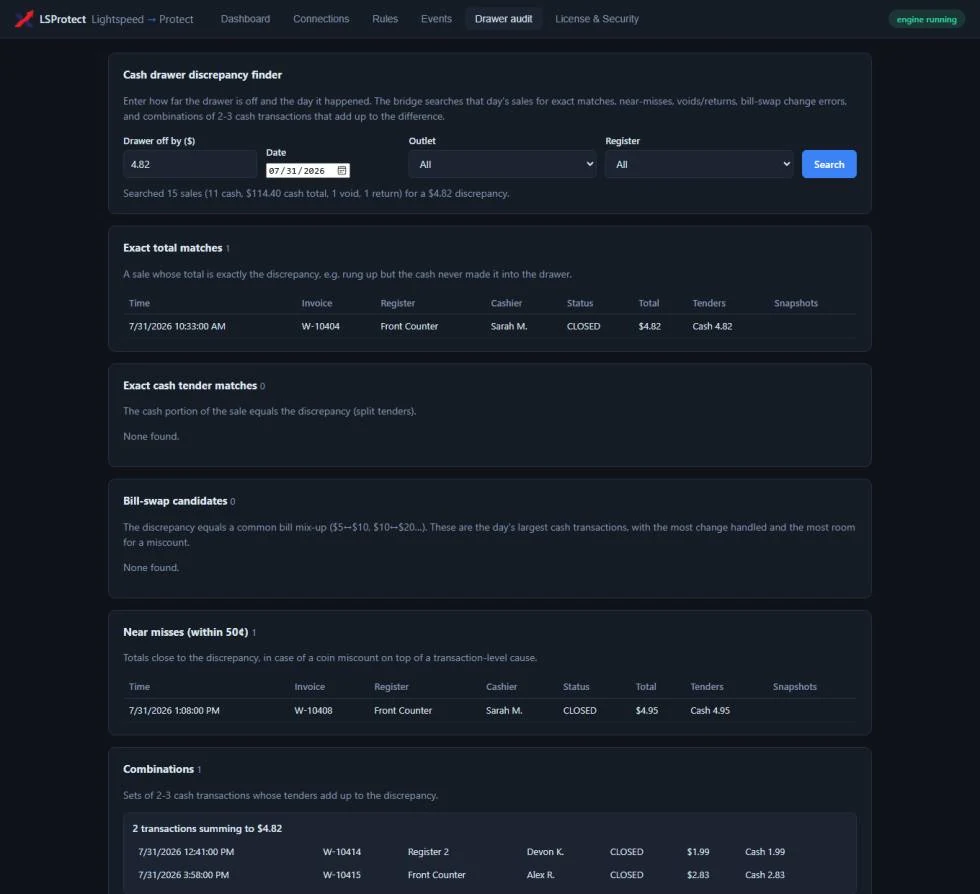
Screens shown running on sample data.
"The drawer is off by $4.82. Now what?" LSProtect bridges your Lightspeed Retail POS and your UniFi Protect cameras: every completed sale, void, return, and register open fires a camera event at the exact transaction moment. When something looks wrong, the footage is already found.
Sales, voids, returns, and register events with Alarm Manager webhooks, a video clip and snapshot on every event, and the full event log.
The end-of-day discrepancy finder. Licensed per register band. Tracked registers are always explicit, never silently dropped.
A punch card that lives in your point of sale. Lightspeed Rewards counts stamps from every sale to a known customer and, when a free drink is due, takes it off at the register the moment the cashier presses Pay. Nothing new for staff to learn, nothing for customers to install, and the retail shelf never earns a stamp.
Automatic stamps, barcode cards, encrypted backups, and free items at the register, for one stamp program at a time.
Run several stamp programs side by side, like a coffee card and a food card, each with its own rules and its own free item. Licensed by outlet band.
Stamp-card loyalty for Lightspeed Retail (X-Series)
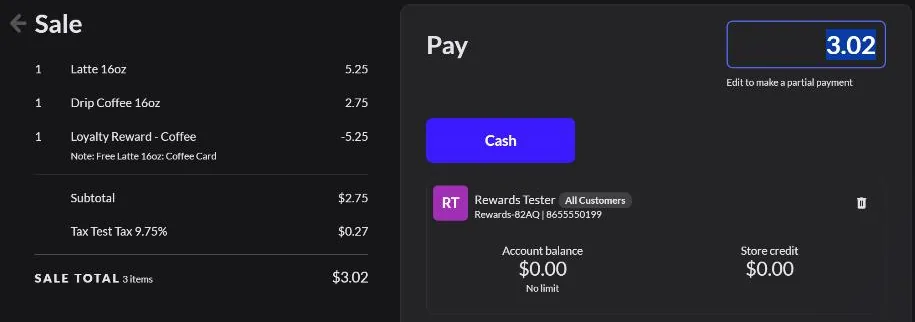
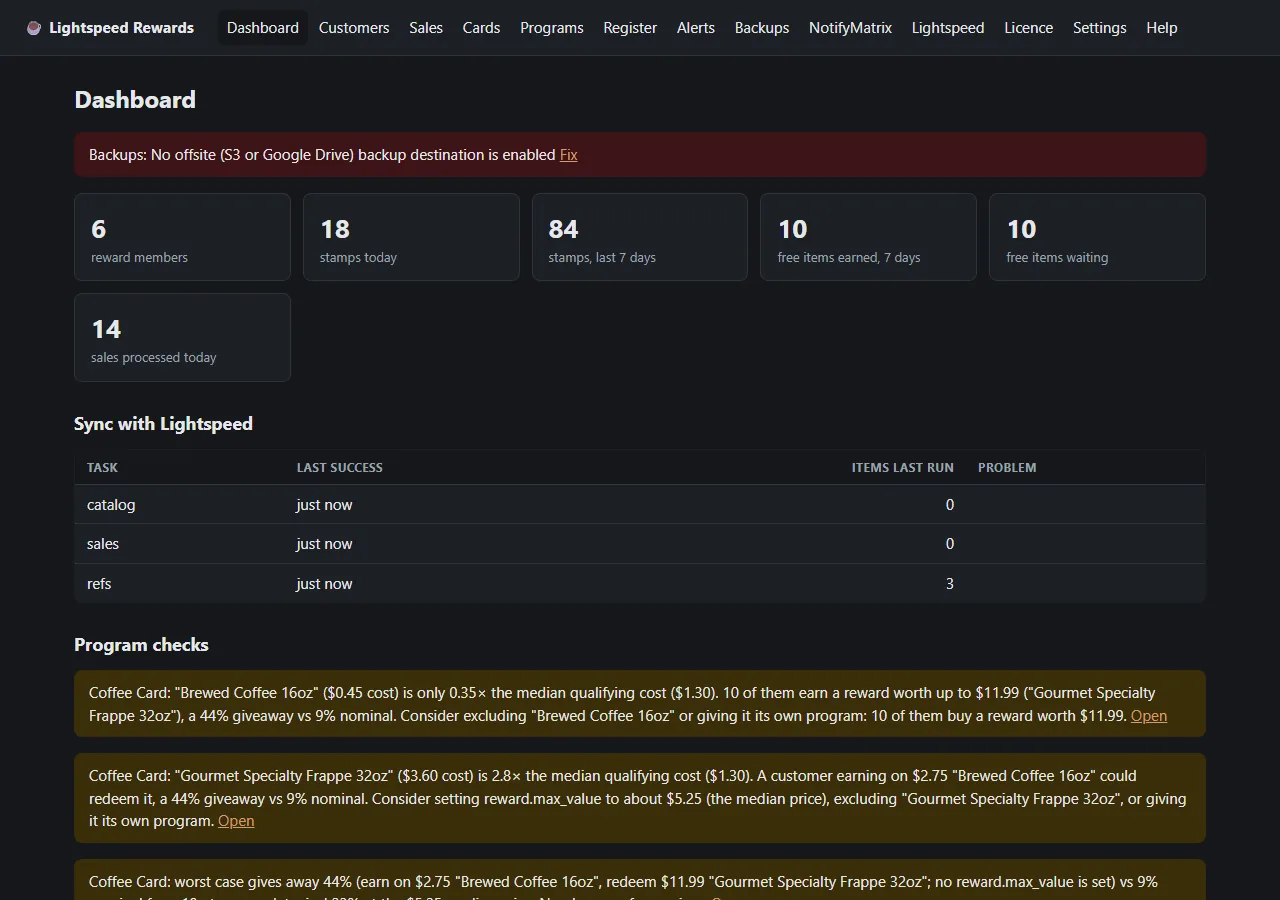
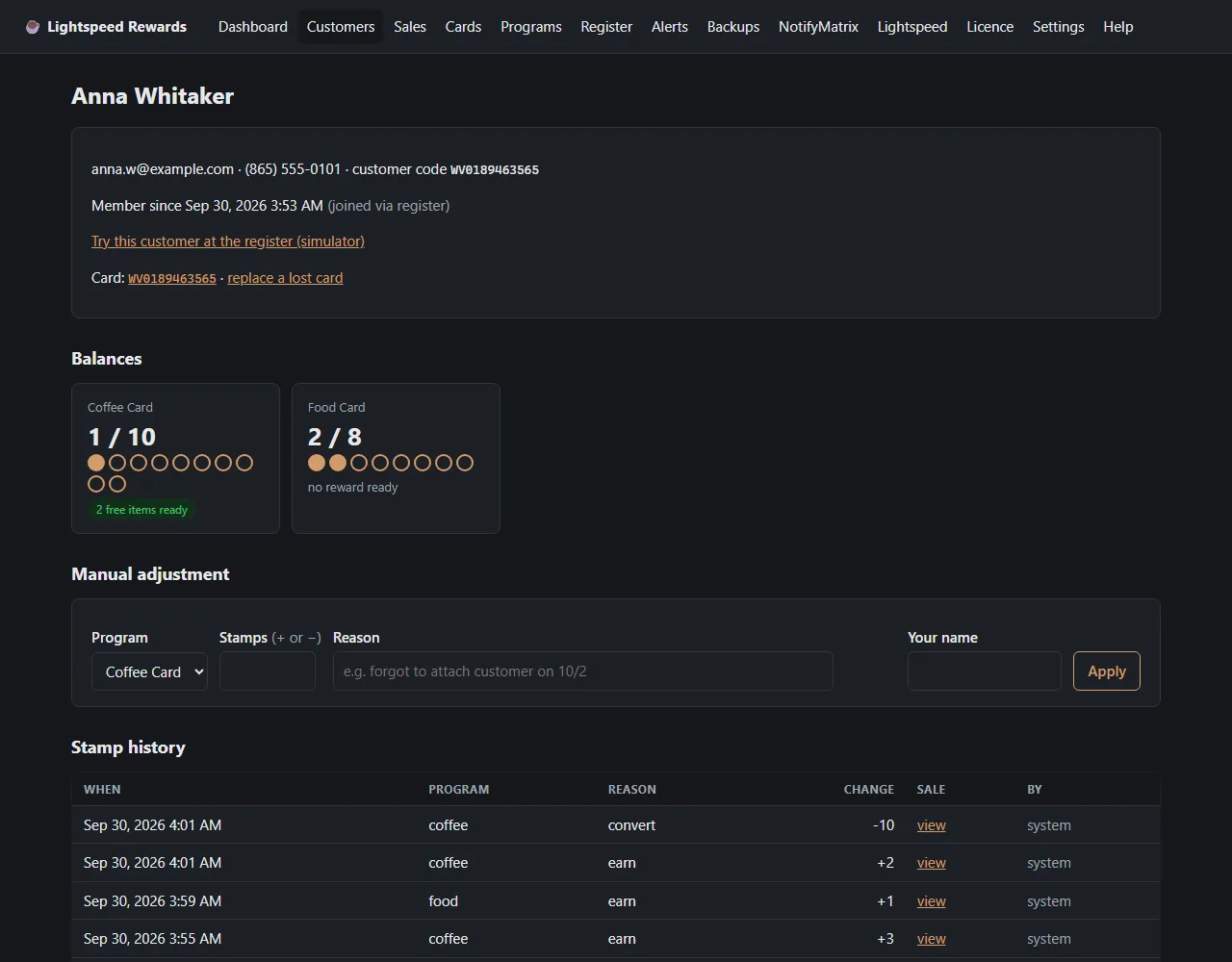
Screens shown running on sample data.
Escalating incidents for UniFi Protect, Access & Network
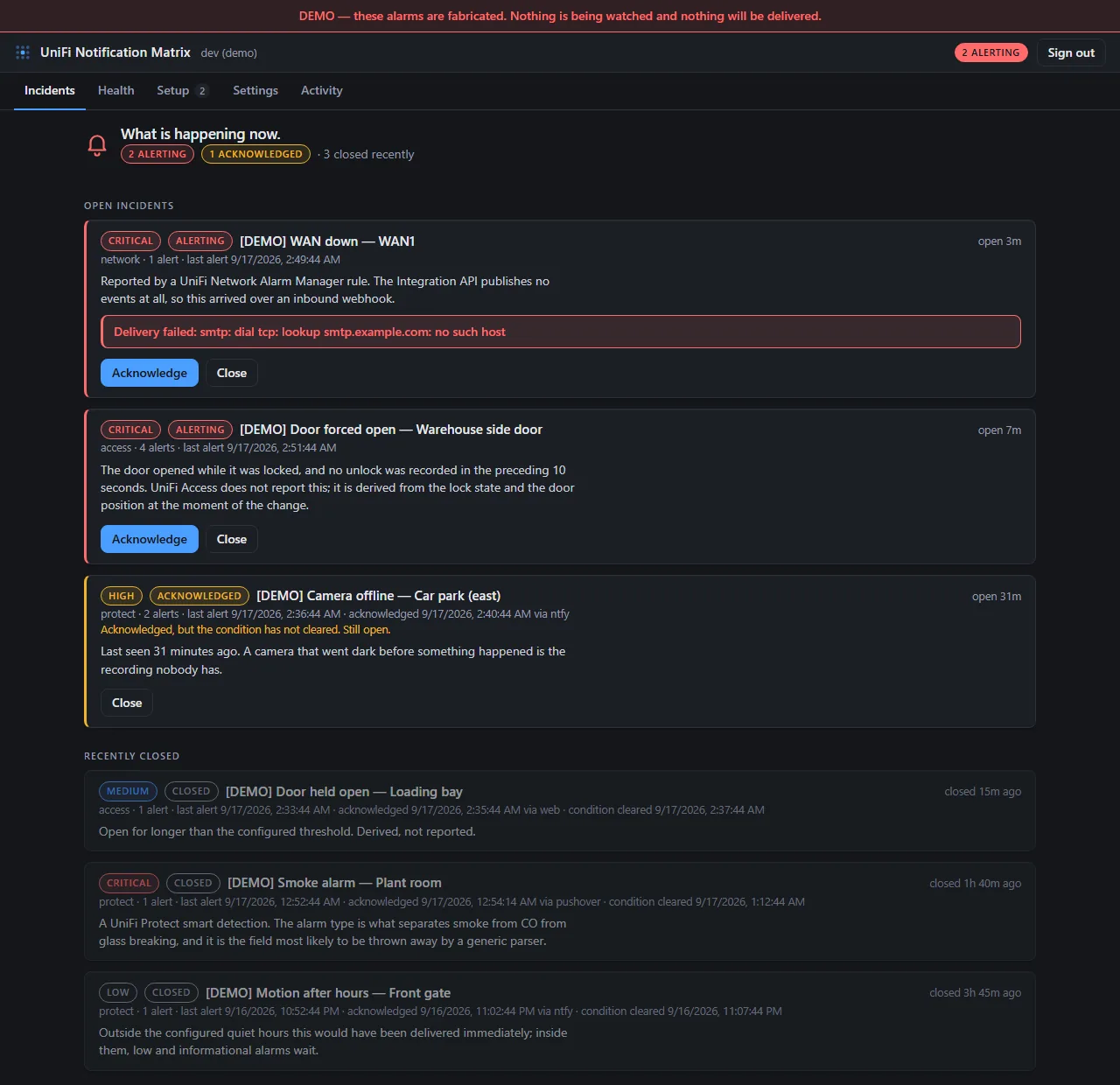
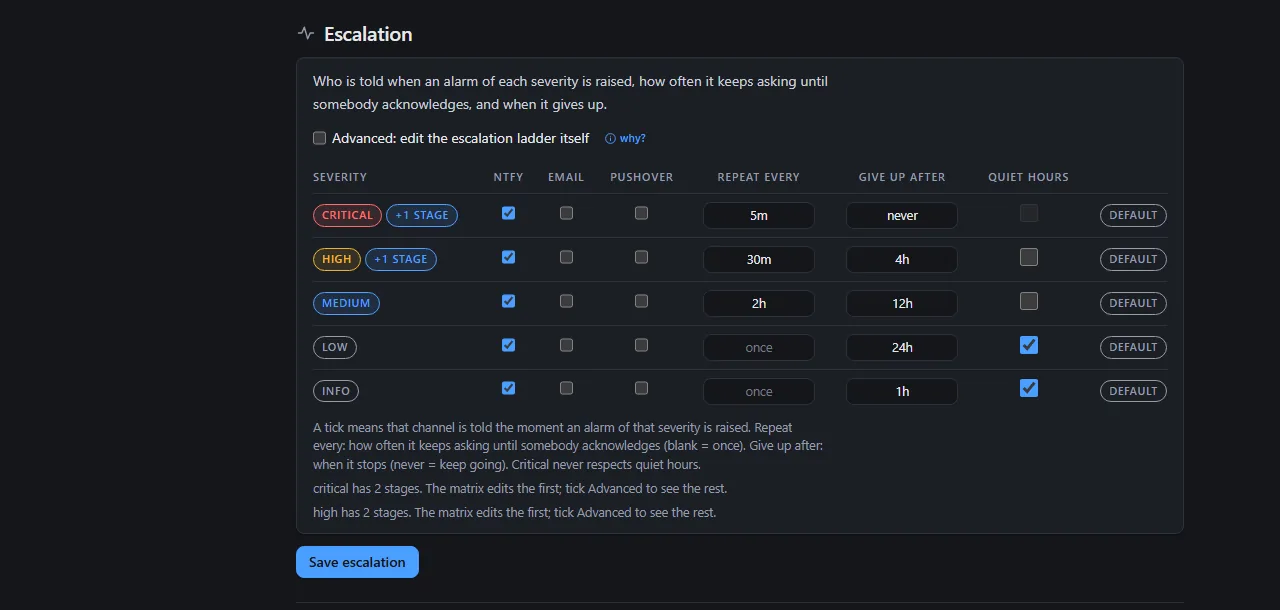
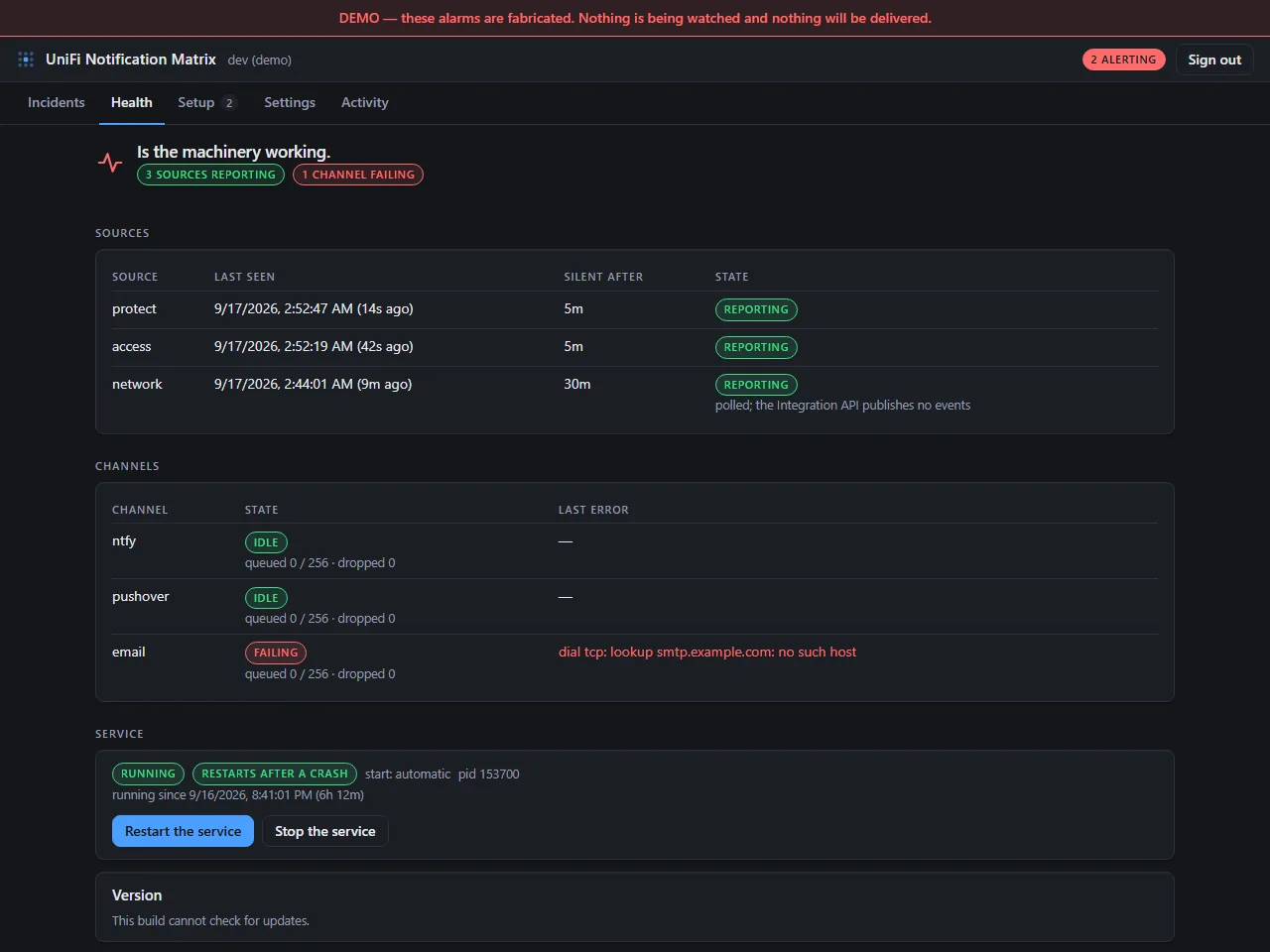
Screens shown running in the built-in demo mode.
UniFi tells you a door was forced. Once. If nobody was looking at their phone that minute, it is gone: no re-alert, no acknowledgement, no record that a human ever saw it. Notification Matrix turns a one-shot UniFi event into a tracked incident that keeps escalating until somebody closes it.
Personal use, research and study, charities, schools, public safety and health bodies, and government, however they are funded. Download a signed binary or build it from source.
Business use needs a commercial license, and any licensed product of ours that integrates with it carries one: license Sentry, LSProtect, or Lightspeed Rewards and Notification Matrix is covered alongside it. Running it on its own at a business? Talk to us at licensing@xtremission.com.
It is built to sit beside the rest of the family rather than duplicate it. Sentry, LSProtect, and Lightspeed Rewards pair with it over Xtremission Link, our signed channel between products: Sentry drives an unlocked door back to locked, LSProtect catches the void, Rewards spots a free drink with no reward behind it, and Notification Matrix makes sure a human hears about it, and answers.
Sentry, UPAD, LSProtect, Lightspeed Rewards, and Notification Matrix share the same design language and the same signed build and update pipeline, so what you learn running one carries straight over to the next. The four licensed products share a licensing platform too; Notification Matrix is free for noncommercial use, and covered commercially by whichever of them it runs alongside.
A compact cryptographically signed key unlocks your tier. No account to create, no activation server to depend on. Keys are per-product and verified entirely on your machine.
Each product ships as an Authenticode-signed installer with a second integrity signature alongside it. Once it's in place it keeps itself current from our release feed. A typical update pulls only what changed, a few megabytes rather than the whole application, and applies on the next restart. A portable single-file build stays available for machines that would rather not run an installer.
Call or email about setup, tuning, or anything that looks wrong, and you reach the people who wrote the code and work with it every day. No ticket queue, no first-line script.
 Xtremission LLC